¶ Get the app
¶ Find the app on the store
Steps
- Step 1: There are 2 ways to download the application
Method 1 . Access the "mCare Health" application on the App Store (cho iOS) hoặc Google Play (cho Android).
Method 2. Users can also find the "mCare Health" app on their phone's app store, released by “ Green Net Design Inc ”.
-
Step 2: Click the " Install " button.
-
Step 3: Wait for the installation process to complete. Then open the app (your phone can automatically scan for security after the app has finished installing)
-
Step 4: Tap " Allow " when the app asks for permission to send notifications.
¶ Scan the QR code to download the application
On IOS
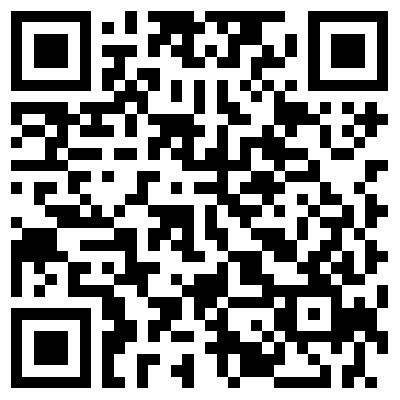
-
Step 1: Open the Camera app on the home screen.
-
Step 2: Move and hold the camera on the QR code until the notification of opening the link address appears at the top of the screen.
-
Step 3: Click to go to the app on the app store.
On Android

-
Step 1: Open the Camera app on the home screen.
-
Step 2: Click on the Google Lens icon to open the feature.
-
Step 3: Move and hold the camera on the QR code until the link appears.
-
Step 4: Click to go to the app on the app store.
Users can use other ways to scan codes to download applications.